A product photo doesn't need a studio to look like one anymore. The gap between a phone snapshot and an ad-ready image increasingly comes down to how well you can describe what you want to an AI image tool — not the camera, the lighting rig, or the backdrop paper you don't have. Here are five prompts we use ourselves for quick product-image work, the kind you can hand to ChatGPT's image tools, Google's Nano Banana, or any similar AI editor and get a genuinely usable result back.
None of these replace a proper media production shoot when a campaign is on the line — but for the everyday product shots a small brand needs constantly (a new arrival, a restock, a quick social post), they close most of the gap between "looks homemade" and "looks like a brand." Here's the sequence, roughly in the order we'd actually apply them.
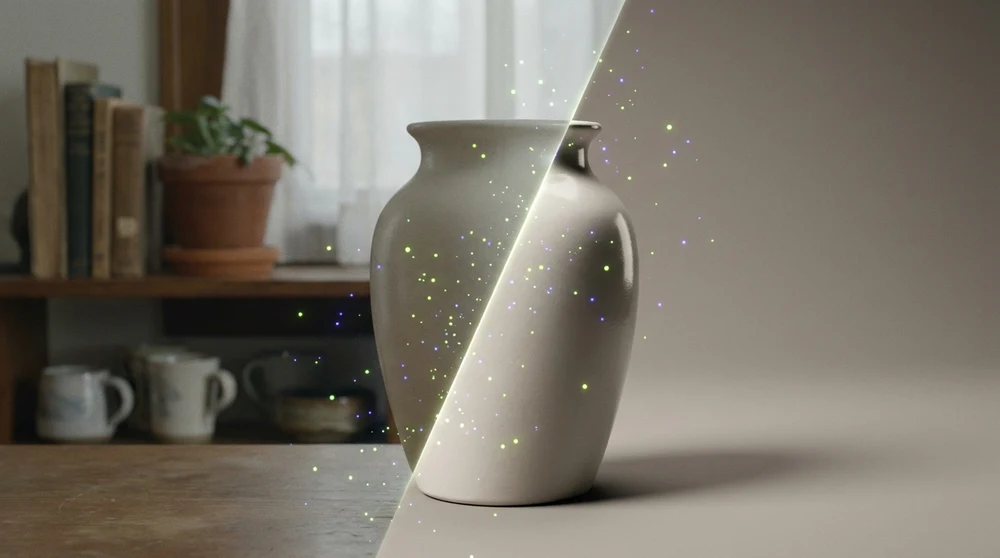
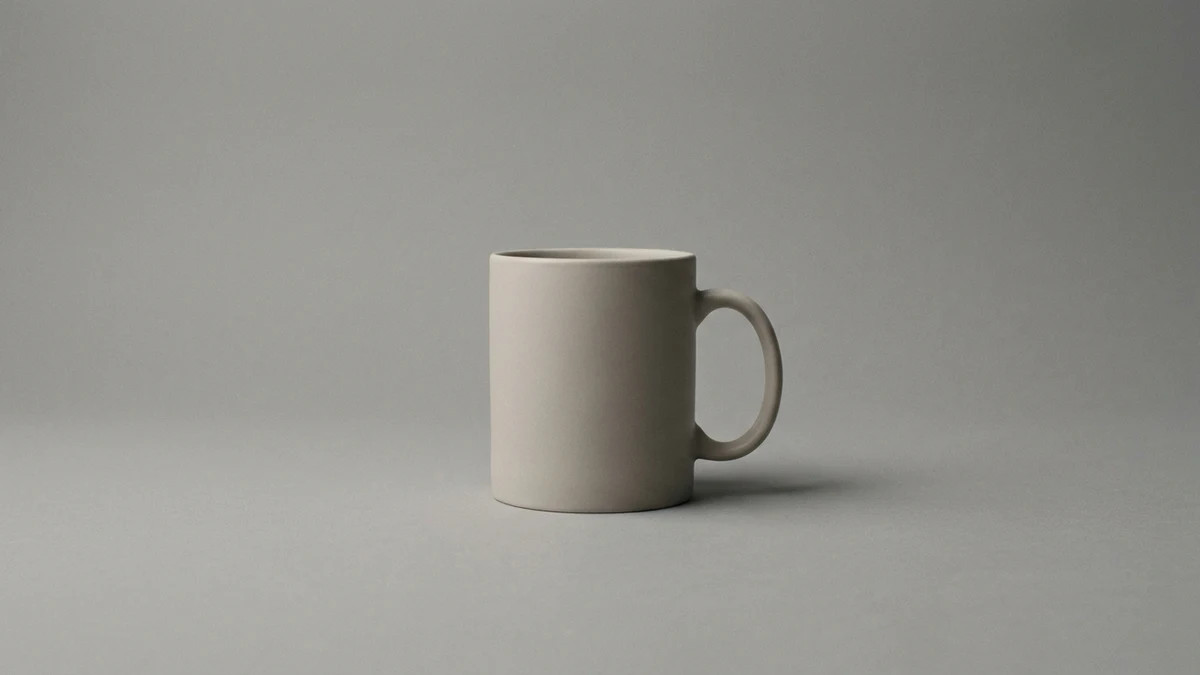
Start by isolating the product from whatever background it was actually photographed against — a kitchen counter, a cluttered desk, uneven lighting. The prompt: remove the background completely, place the product on a clean seamless studio backdrop, soft neutral tones, even professional lighting, a subtle natural shadow under the product, sharp focus, high-end e-commerce photography style. This alone turns a cluttered snapshot into something that could sit on a proper storefront.
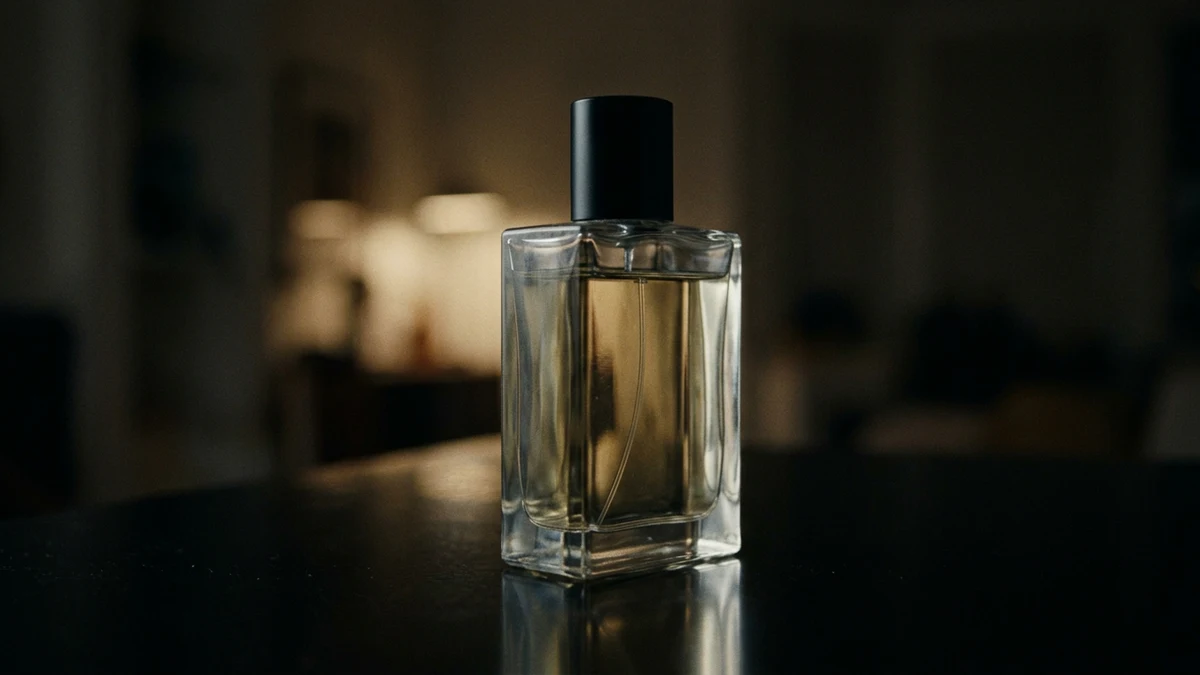
Once the background is clean, the next problem is usually flat, harsh or uneven lighting from the original shot. Ask for professional studio lighting: a soft key light from the side, a gentle fill light, smooth highlights on the product surface, balanced exposure, harsh shadows removed, an elegant cinematic mood with realistic reflections. This is the difference between a photo that looks lit by an overhead kitchen bulb and one that looks lit on purpose.
A product floating on a pure white background reads as artificial even when the lighting is good — real objects sit on something and interact with the light around them. Ask the AI to add a realistic soft shadow beneath the product, a subtle floor reflection, a natural contact point with the surface, accurate light direction, and depth. That single addition is often what separates an obviously-edited cutout from a photorealistic product shot.
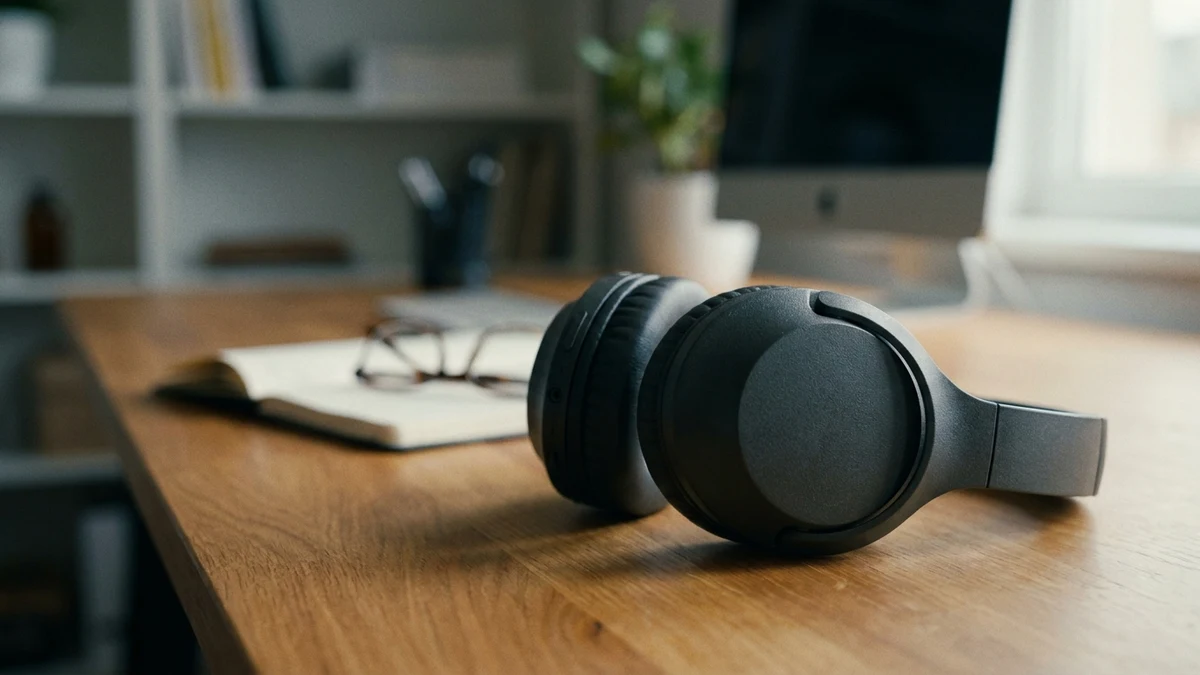
For social content specifically, a plain product shot on its own rarely stops a scroll — context does. Ask the AI to place the product in a luxurious lifestyle scene: a warm elegant atmosphere, a premium textured surface, complementary props softly blurred in the background, golden soft lighting, a shallow depth of field, an aspirational advertising mood. This is the fastest way to get an "editorial" feeling shot without actually renting a set.
Finish with a clarity and colour pass: enhance overall sharpness, crisp product details, clean edges, refined textures, balanced colour grading, vivid but natural colours, no noise or dullness — a polished final look ready for social media or ads. Run this last, after the background, lighting and scene are already right, so it sharpens the image you actually want rather than compensating for a bad base shot.
Five prompts, applied in sequence, get you most of the way from "a photo of the product" to "a photo that sells it" — and they cost nothing but a few minutes of trial and error. Where this stops scaling is consistency: getting the same lighting mood, the same colour grade and the same brand feel across fifty product photos a month, in a way that doesn't quietly drift over time. That's the part a real social media management workflow and a consistent branding system solve, and it's exactly the kind of thing we help clients build. If you'd rather hand this off than prompt-engineer your own product shots every week, let's talk.